Fan life, in pictures
Collect posts, blogs and photos of the people you follow.
Your favourites, recipes, nail art, travel. A place where everything you love collects.
 Get it on Google Play
Android version in development
Get it on Google Play
Android version in development
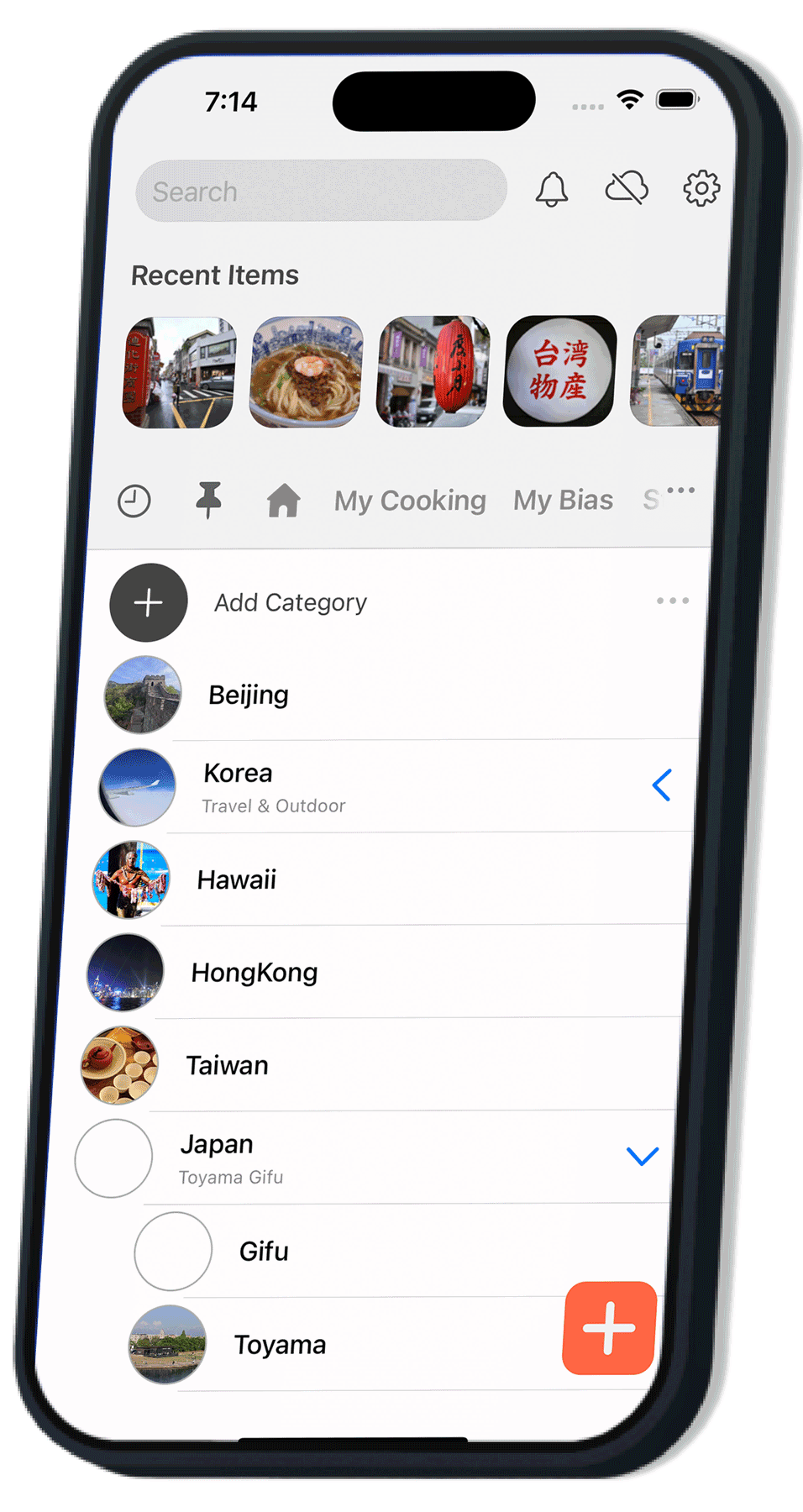
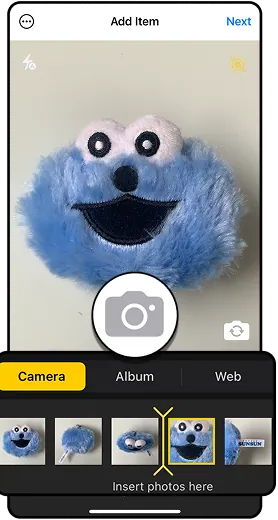
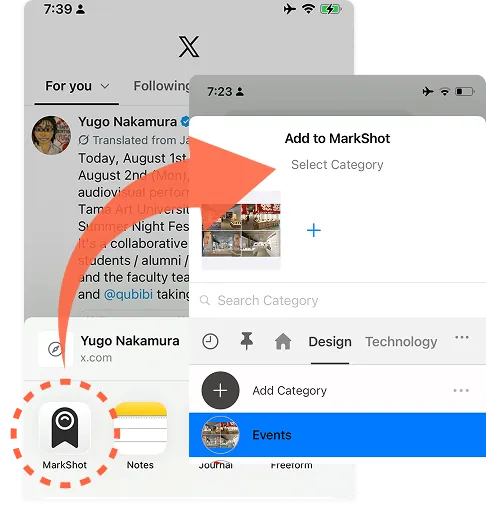
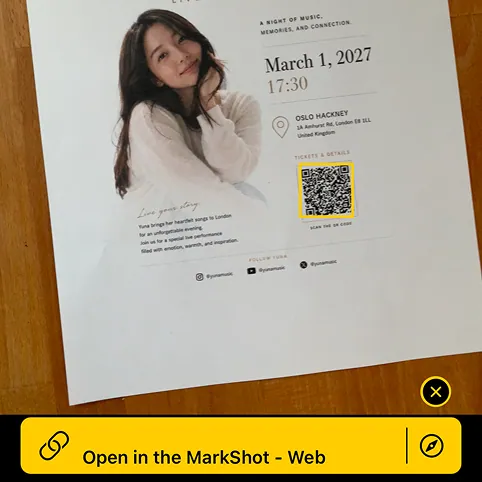
Take a photo and save it…
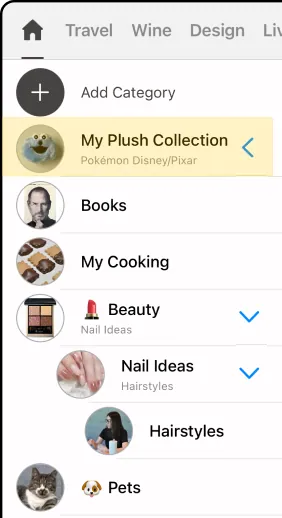
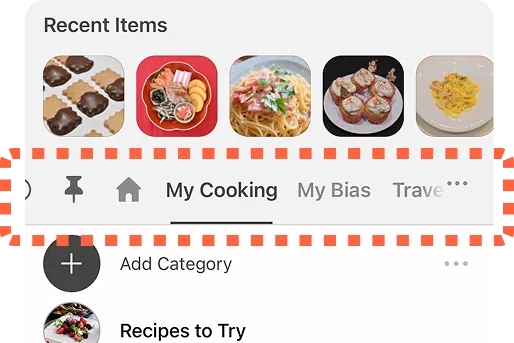
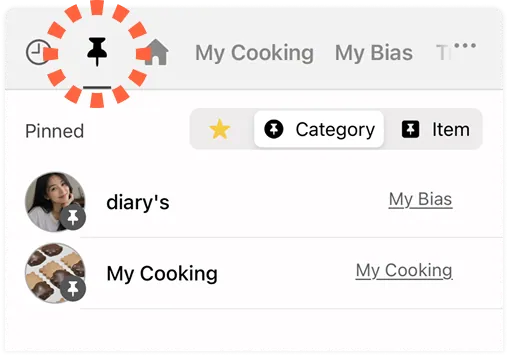
Categories and tabs turn it into a library that is only yours.
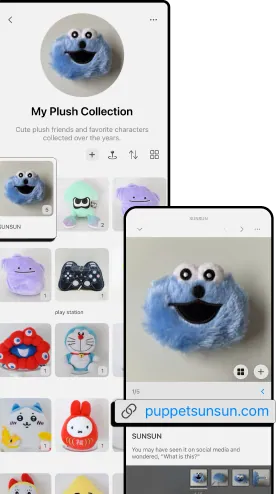
Search your saved items by keyword and look back on them any time.
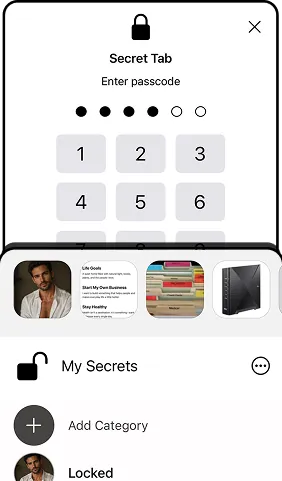
Lock a secret tab with a six-digit passcode (the passcode cannot be reissued).
Collect posts, blogs and photos of the people you follow.
Save the books you read and the pages that stayed with you.
Figures, goods, trains, aircraft, wine — collected by category.
Photograph the recipes you like and keep them in the order you want to cook them.
Keep their work as photos and look back on how far they have come.
File the sheets from school and lessons by category so you can find them fast.
Keep the things that caught your eye together and compare before you buy.
Record the people, places and things you meet on a trip.
Photograph handouts and whiteboards and save them with a note.
MarkShot does not reduce the space used on your iPhone. Data is stored both on the device and in iCloud.
MarkShot does not edit your saved images or generate new ones with AI. It stays focused on saving and looking back.
A private store of information, for you alone.
MarkShot will not suggest related content based on what you saved.
No advertising is shown inside the app.
The only difference between free and paid is how many items you can save.
Yes. The core features are free. A paid plan raises the number of items you can save.
On your device and in your own iCloud account. Your saved photos and notes are never sent to our servers. The one exception is AI extraction: switch it on, and the URL and text of the page are sent so the page can be read. We keep no page text, and the URL is stored only as a hash, deleted within 90 days.
MarkShot is iOS only for now. An Android version is under consideration.
Yes. AI extraction is optional and off until you turn it on. With it switched off, every saving and organising feature still works. The Privacy Policy sets out exactly what is sent and what we keep.
Everything you saved stays in iCloud. Your data is never deleted or held hostage.

Free to download.